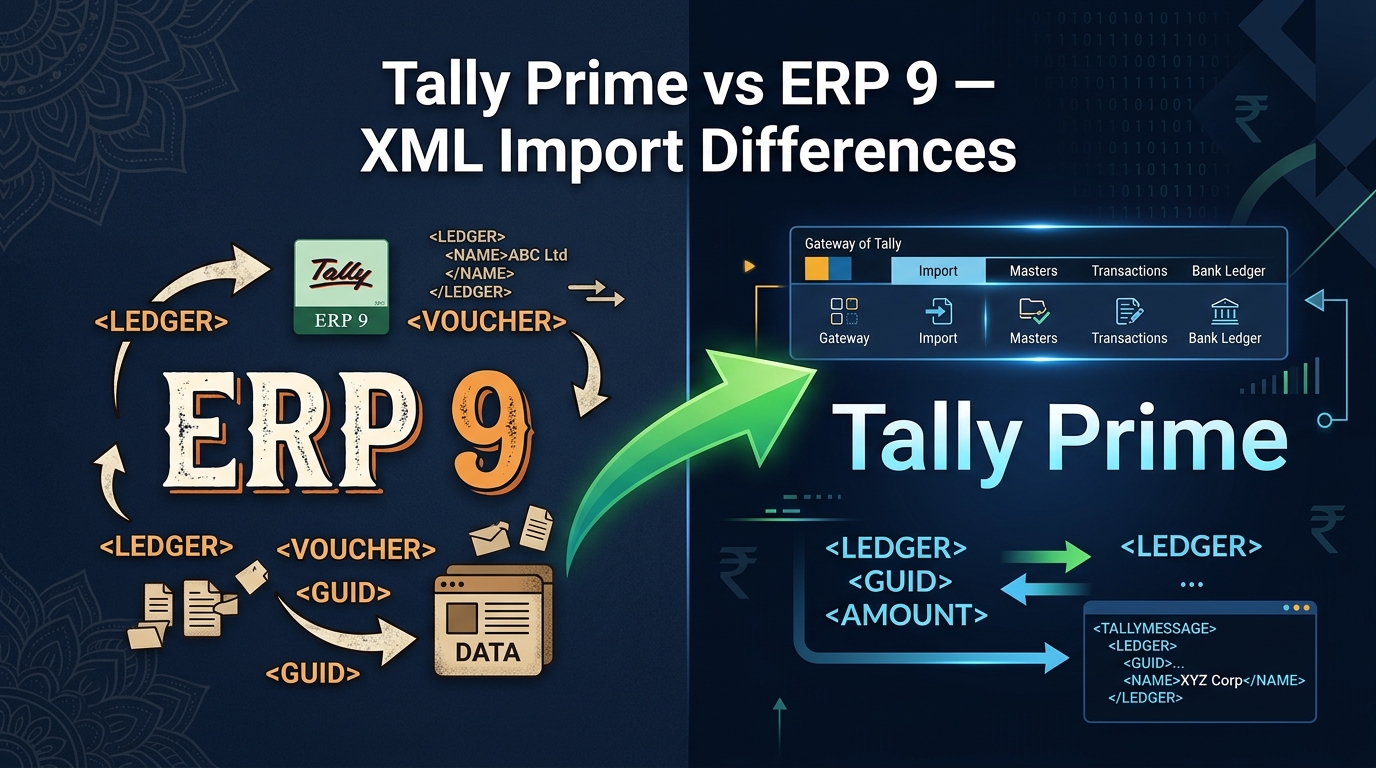
A lot of the accountants who use our tools are in some stage of the ERP 9 → Tally Prime migration. Some of their clients have already moved, some haven't. And the question that comes up again and again is: "Does my XML import process still work the same way in Tally Prime?"
The short answer is: mostly yes, but the menu path changed, and there are a few things worth knowing upfront.
📋 In this guide:
1. The Import Menu — Where It Moved
This is what trips people up most often when they first open Tally Prime after years of ERP 9. The import option has moved.
In Tally ERP 9:
In Tally Prime:
In ERP 9, "Import of Data" was inside the Gateway of Tally menu on the right side. In Tally Prime, it's a top-level menu item in the horizontal menu bar at the top of the screen — the same bar that has "Company", "Data", "Exchange", etc. Click on "Import" and you'll see "Transactions" (for vouchers) and "Masters" (for ledger data) as options.
Some people in Tally Prime look for the import option inside "Gateway of Tally" or in the company setup screens because that's where it was in ERP 9. It's not there anymore. Look at the top menu bar — it's the "Import" option there.
2. XML Format Compatibility
Good news here: the XML format itself has not changed between Tally ERP 9 and Tally Prime. The same XML structure — <ENVELOPE>, <HEADER>, <TALLYREQUEST>Import Data</TALLYREQUEST>, <VOUCHER> blocks, <LEDGERENTRIES.LIST> — is valid in both versions.
This means:
- An XML file generated for Tally ERP 9 will import into Tally Prime without modification (through the new menu path).
- An XML file generated for Tally Prime will also work in ERP 9.
- Our tools generate XML that works with both versions. You don't need to choose a "version" when generating.
The only caveat is that some Tally Prime-specific voucher types or fields that don't exist in ERP 9 may not import correctly if you're going backwards from Prime to ERP 9. But for standard Purchase, Sales, Payment, Receipt, Journal, and Ledger XML, cross-version compatibility is solid.
3. What's New or Better in Tally Prime
The File Browser is More Convenient
In ERP 9, you had to type the full file path (including the filename) into a text field. This was annoying if your Downloads folder had a long path or if you mistyped the filename. Tally Prime improved this significantly — you specify the folder path, and then Tally shows a list of XML files in that folder, and you select the one you want. Much less chance of a typo causing "file not found."
Better Voucher Count Reporting
Tally Prime gives a clearer summary after import — "Vouchers created: X, Vouchers modified: Y, Vouchers skipped: Z". ERP 9's reporting was less consistent and sometimes just said the import was complete without telling you how many vouchers were actually created. The explicit count in Prime makes it easier to catch a partial import immediately.
Company Selection is More Explicit
Tally Prime is more explicit about which company is open during an import. In ERP 9, it was possible to accidentally have the wrong company open (especially with the "Switch Company" shortcut) and not notice until after a bad import. Prime's interface makes the open company more prominent.
4. What's Exactly the Same
These things haven't changed at all:
- Party ledgers must pre-exist: Tally Prime, like ERP 9, will reject any voucher where the party ledger doesn't already exist in the company. The auto-create option in our tools still works the same way in both versions.
- The Tally.imp log file: Same location, same format. After an import with errors, you open
C:\Program Files\TallyPrime\Tally.imp(or the ERP 9 equivalent) in Notepad to see which vouchers were rejected and why. - Financial year date restrictions: Vouchers with dates outside the currently open financial year are rejected in both versions.
- Company name matching: The
<SVCURRENTCOMPANY>field in the XML must match the open company exactly (case-insensitive) in both versions. - Masters import path: The separation between Masters (ledgers) and Transactions (vouchers) as distinct import types exists in both versions, just accessed from different menus.
5. Common Sources of Confusion When Migrating
"The import worked in ERP 9 but does nothing in Prime"
Nine times out of ten, this is the menu path issue. The XML itself is fine — the person is looking for "Import of Data" in the Gateway of Tally (which doesn't exist in Prime) instead of the "Import" option in the top menu bar.
"The company is open but Tally says 0 vouchers created"
When migrating from ERP 9 to Prime, sometimes accountants migrate their company data but the company name changes slightly in the migration process (e.g., extra space, changed case). The XML file still has the old company name. Regenerate the XML with the company name as it appears in Tally Prime.
"The ledgers that existed in ERP 9 are missing in Prime"
This isn't an import issue — it's a data migration issue. If the Tally company was migrated from ERP 9 to Prime but the ledger masters didn't carry over correctly, the XML import will fail for those ledgers. Use our Ledger Master XML Creator to bulk-recreate them in the Prime company from your existing Excel list.
6. Quick Reference Table
| Feature | Tally ERP 9 | Tally Prime |
|---|---|---|
| Import menu location | Gateway of Tally → Import of Data | Top menu bar → Import (Alt+O) |
| File selection | Type full path including filename | Browse folder, select from list |
| XML format | Same XML spec | Same XML spec (compatible) |
| Import result summary | Basic / sometimes missing | Explicit count (created/skipped) |
| Tally.imp log file | Same format, same use | Same format, same use |
| Party ledger prerequisite | Must pre-exist | Must pre-exist |
| Financial year check | Enforced | Enforced |
Ready to generate your XML?
Our tools generate XML compatible with both Tally Prime and ERP 9. Pick the voucher type you need:
FAQ
I have both Tally ERP 9 and Tally Prime installed. Which one will the XML import into?
Whichever one you have open when you run the import. The XML file itself doesn't specify a Tally version — it just specifies a company name and voucher data. Open the correct version, open the correct company inside it, and import the XML through that version's import menu.
Can I use Tally ERP 9 XML files in Tally Prime without modification?
Yes, for standard voucher types (Purchase, Sales, Payment, Receipt, Journal) and ledger masters, the XML format is fully compatible. Just use the new menu path in Tally Prime (Import in the top bar instead of Gateway of Tally → Import of Data) and the same file will work.
I migrated my company from ERP 9 to Prime. Now none of the imports work. Why?
Check the company name first — open Tally Prime, look at the company name in the title bar, and make sure it exactly matches the company name in your Excel template (the "Company Name" column). A common migration side effect is the company name changing slightly. If the names don't match, Tally will process the file but create zero vouchers. Also verify that your party ledgers migrated correctly — if any are missing, you'll need to recreate them before the vouchers for those parties will import.
Does Tally Prime Silver (single user) support XML import, or only Gold (multi-user)?
XML import is available in both Tally Prime Silver and Gold. It's a core Tally feature, not a multi-user-specific one. The import process and XML format are identical in both editions.